Bulin47 AI Video Generator
Bulin47 AI Video Generator turns one photo of you, a friend or a pet into the viral Bulin47 freestyle video. Upload a portrait, pick a quality and the AI puts that person in the original performer's place while the moves, the crowd and the camera stay the same.
Make your Bulin47 video
Your photo
One person, face forward. A half-body shot keeps your outfit.
About 15 seconds, no music. Failed videos are refunded automatically.
Who is in the freestyle?
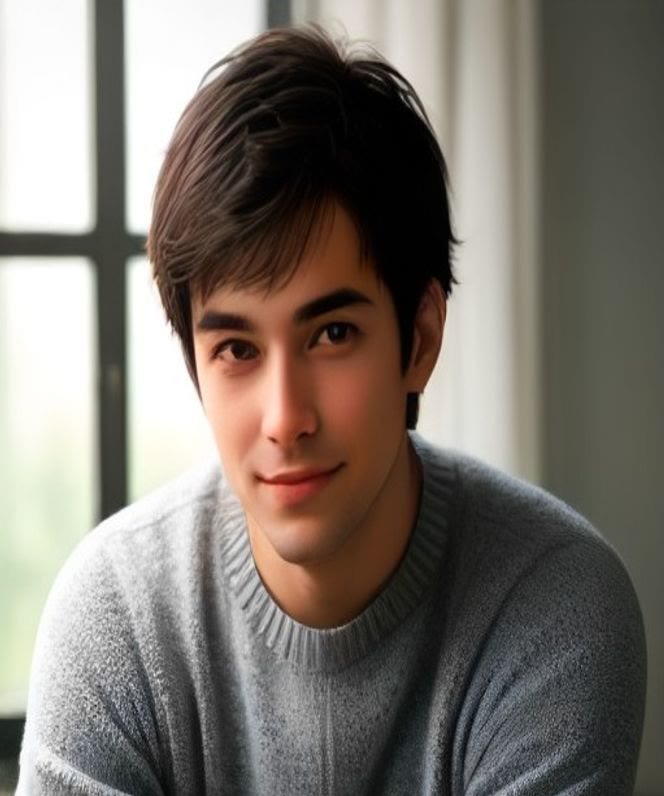
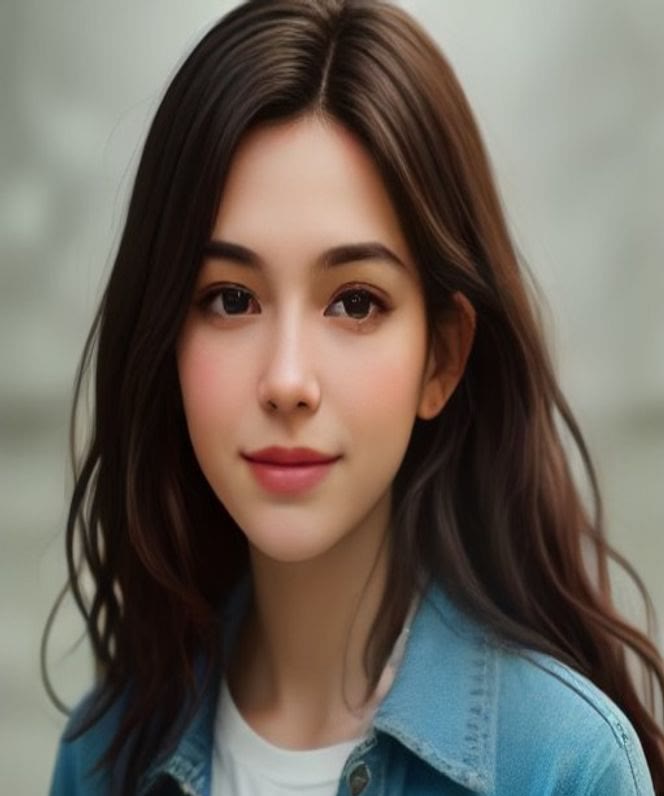
Real clips rendered by this generator. Each one starts from a single fictional portrait, and the small picture shows the photo that was uploaded.
How to use the Bulin47 AI Video Generator
Four steps, about five minutes of waiting, no editing skills.
- 1
Pick a clear photo
Use a portrait with one person, the face turned to the camera and good light. A half-body shot keeps your outfit. JPG, PNG or WebP up to 8 MB.
- 2
Choose Standard 480p or HD 720p
Standard costs 100 credits and HD costs 200 credits. Standard is fine for a first try and for phone screens.
- 3
Press Make my video
Sign in with Google or email, then confirm you may use the photo. The AI replaces the performer in the template and renders a vertical clip.
- 4
Download and post
Rendering takes a few minutes and you can close the tab. The finished clip is saved in My videos, where you can download it as an MP4 and add your own sound.
Real output, no edits
The clip on the right is a real render from this generator: the template scene plus one portrait. The crowd, the camera and the moves stay where they were. Only the performer in the middle is new.
Make my videoWhat is the Bulin47 video trend?
The Bulin47 trend is a wave of remakes of one short freestyle clip that spread across TikTok and Instagram in early October 2026.
In the original, the Dominican dembow artist Bulin 47 answered the creator Kevin Wai's portable speaker with an improvised freestyle outside a restaurant in Madrid, and both posted it on 2 October 2026. People copied it with their own faces, their friends, their pets and cartoon characters, keeping the same moves and the same camera so the joke lands in a second.
Making a convincing copy by hand takes motion tracking and an editor, which is why photo-to-video tools appeared within days. This site is one of them. It is an independent fan tool with no connection to Bulin 47, Kevin Wai or any label, and it does not add the original song.
Why use this generator
Everything you need to join the trend without filming, learning the moves or opening an editor.
One photo is enough
A single clear, front-facing photo is all the tool needs. No filming and no prompt.
Same moves, new star
The beat, the camera and the crowd stay the same, so your version looks like the real trend.
Vertical and ready to post
Every video is 9:16 and about 15 seconds, sized for TikTok, Reels and Shorts.
No prompts, no editing
Pick a quality and press the button. The AI handles the motion and the blending.
Refund if it fails
Credits are returned automatically when a render fails, so you only pay for clips you get.
Yours to download
Download the MP4 from My videos and add the trending sound inside TikTok or CapCut.
What you can put in the freestyle
Any clear, single-subject picture works. These are the four things people try first and what to expect.
| Photo | Works best when | Watch out for |
|---|---|---|
| Yourself | A front-facing selfie or half-body photo in good light | Sunglasses, masks and heavy filters change the face |
| A friend | They agreed to appear and sent a sharp photo | Group photos confuse who is replaced, so crop to one person |
| A pet | The face is visible and the pet is the only animal | Results vary more than with people |
| A character | A clear, front-facing illustration or toy photo | Busy backgrounds can leak into the video |
Before you upload: what makes a good result
Most disappointing videos come from the photo, not the AI. Check these four things first.
One person only
The AI replaces a single performer. A photo with several people can swap the wrong one or blend faces.
Face and shoulders in frame
Crop close enough that the face fills a good part of the picture, but keep your shoulders so the outfit carries over.
Sharp and evenly lit
Blurry, dark or heavily filtered photos make a soft face. A window light selfie beats a night-club photo.
Only people who agreed
Use photos of yourself or of people who said yes. Photos of minors, celebrities and strangers are not allowed.
Bulin47 AI video generator pricing
Pay once, no subscription. An HD 720p video costs 200 credits and a Standard 480p video costs 100. Credits never expire, and failed videos are refunded automatically.
Starter
Try it once
- 200 credits
- 1 HD or 2 Standard videos
- Credits never expire
- Automatic refund if a video fails
Creator
A few versions, best value
- 600 credits
- 3 HD or 6 Standard videos
- Credits never expire
- Automatic refund if a video fails
Studio
For regular posting
- 1,600 credits
- 8 HD or 16 Standard videos
- Credits never expire
- Automatic refund if a video fails
Bulin47 AI video questions
Short answers to what people ask before they upload a photo.
Bulin47 guides
Who makes this site
Bulin47 Video is a small independent tool built by one team. Read how the videos are made, what we do not do and how to reach us on the About page. About Bulin47 Video
Your turn in the Bulin47 freestyle
One photo, a few minutes of rendering, and a clip ready for TikTok and Reels.
Make my video